- TESTED every number on this page comes from a screen we captured, 2026-11-04
- IN-GAME the four labels below are the client's own words
- OFFICIAL ONLY the portal supplies the platform and rating lines only
- NEEDS CHECK we name what is still open rather than closing it by guess
The four marks
TESTED means we did the thing in the client and wrote down what it printed,
with the date. IN-GAME means the sentence is the client's own wording, quoted
verbatim, so you can go and look at it. OFFICIAL ONLY means a store or portal
page says it and we have not reproduced it ourselves — useful, but second-hand.
NEEDS CHECK means we know the question matters, we have not answered it, and
the page says what would answer it.
There is no fifth mark, and there is no sentence on this site that carries none of them.
What a session looks like
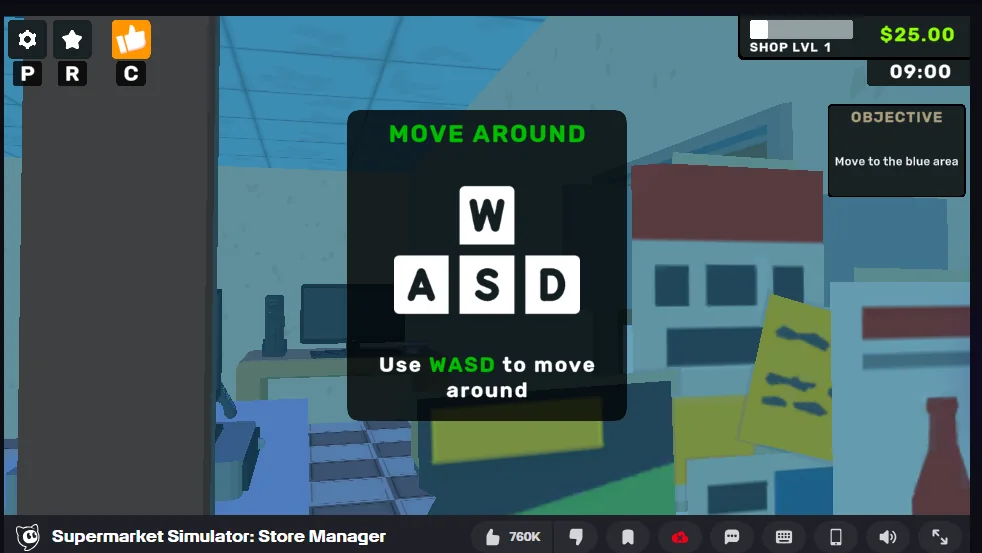
We open the browser build in a clean profile, as a guest, and drive it over the DevTools protocol so that the same clicks can be repeated. Each capture is saved with the date, so a page can say when its evidence was taken rather than "recently".
That method has a known weakness, and it is worth stating: a screen-read routine
is slower than playing, and some interactions — aiming at a shelf with a
crosshair, for instance — resist synthetic input. When that happens the page says
NEEDS CHECK and the capture log records the attempt, rather than pretending
the step was completed.
What we refuse to print
We do not print a price we have not seen, a rate we have not timed, or a level curve we have not walked up. We also do not print numbers that came from a different product with a similar name: the browser build shares its title with a paid Steam game, and guides for that game answer different questions.
How to check us
Every IN-GAME quote can be found in the client with the same clicks we
describe. If a quote is wrong, the address is on the contact page, and a page
that loses its evidence loses its mark.
The capture log itself is kept next to the site, one file per session, with the time each screenshot was taken. That is the file to check when a figure on a page looks wrong: it records what the client printed, not what we remembered.
Last checked against the client: 2026-11-04 · client web build 2026-11-04